SmsBot started as an Android app that let approved contacts text my phone and get AI replies. That meant the phone had to keep the app running, so I rebuilt it as a server. It now pairs with Google Messages the way Messages for web does, and runs as one small Go service with a React dashboard that works in a browser or as an installed phone app.
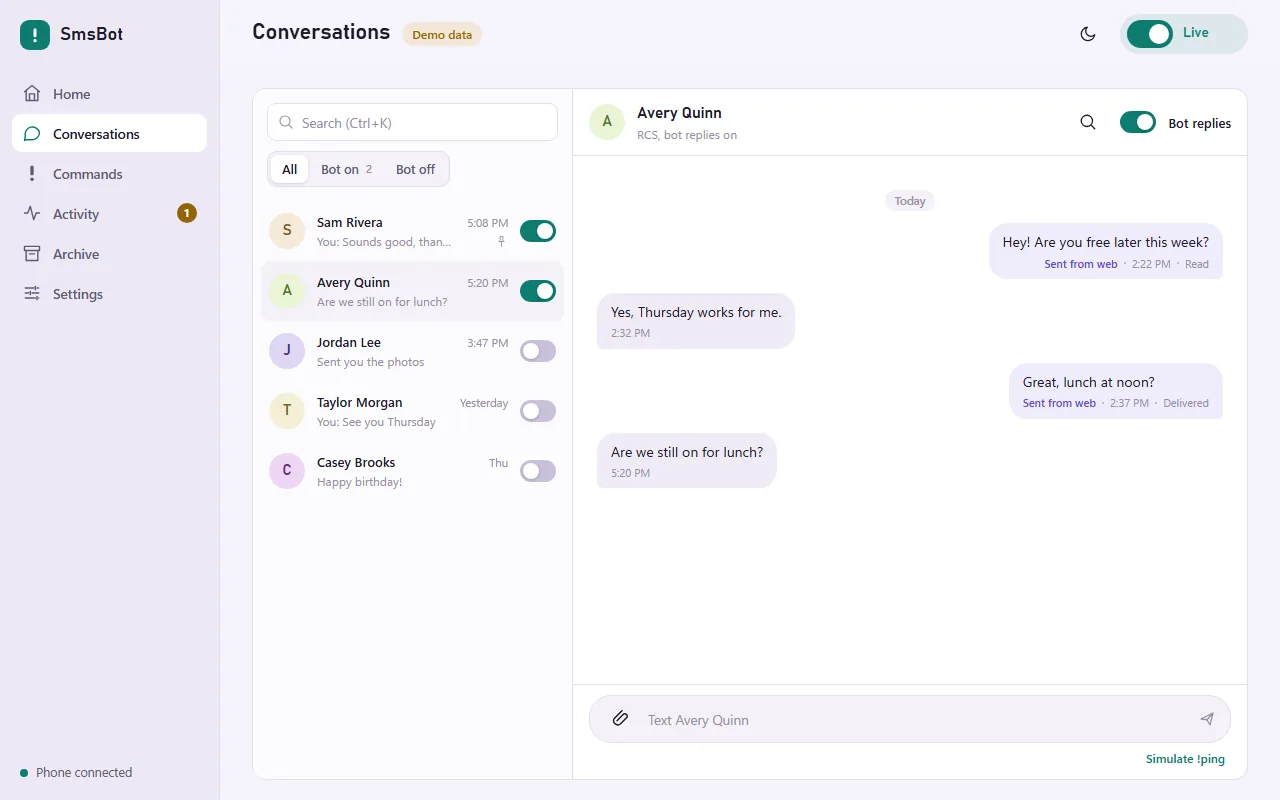
The dashboard shows my conversations, group chats included, with read status, typing indicators, attachments, RCS replies, reactions, and push notifications. It keeps an encrypted copy of the conversations I choose to archive, including the original files, with export, backup, and restore.
Commands
The bot answers commands I define. Each command is a short chain of steps that I put together in an editor, like find a link, ask an AI model, download a video, compress it, and reply. AI steps use OpenRouter or any OpenAI-compatible endpoint, and can read a photo, PDF, office document, audio clip, or video sent with the command. A command can chain several AI steps, such as summarize and then translate.
!ask starts a threaded conversation that continues when someone replies to an answer. In a group, each person gets their own conversation, or everyone can share one. A video command takes a share link from a short-video app, downloads the video, and shrinks it to fit in a message. That work can run on another PC with a GPU over Tailscale. Each command has its own approvals, quiet hours, and rate and spending limits.
Sending carefully
A bot that texts from my own number can’t send twice or reply to the wrong person. Only people I’ve enrolled can trigger a reply, matched by participant ID rather than by name. In a group, the bot answers only enrolled members, and only while the group has exactly the people I approved. If anyone joins or leaves, it goes quiet until I check. Each reply is stored as a plan that can’t change, the checks run again just before sending, and the message is recorded before it’s handed to Google. If the outcome is unclear, it’s shown to me and never retried automatically. Every start is paused until I turn it on.
It talks to Google Messages through libgm, an unofficial reverse-engineered client from the mautrix project, so Google could break it at any time. The repository includes an offline demo with synthetic conversations that never contacts Google or an AI provider.